
CRM Business MAchine
THE ONLY CRM ON THE MARKET WITH AN INTEGRATED VIRTUAL CALL MANAGER.
If you work with Virtual Assistants or planning to have VAs in the future, you need our CRM Business Machine with integrated Virtual Assistant Call Manager.

By completing your purchase, you agree that you are subscribing
to a software platform that provides CRM and automation tools.
No guaranteed results of any kind should be implied.
Your All-in-One Full-Fledge CRM
Run Your Entire Business in One Software
Integrated Marketing Platform
Attracts, nurtures, and converts leads.
Business Lead Finder
Get unlimited clients and affiliates.
VA Call Manager
Multiply your productivity and scale your outreach effortlessly.
Dynamic Client Portal
Clients can login to sign documents and check progress at anytime, anywhere.
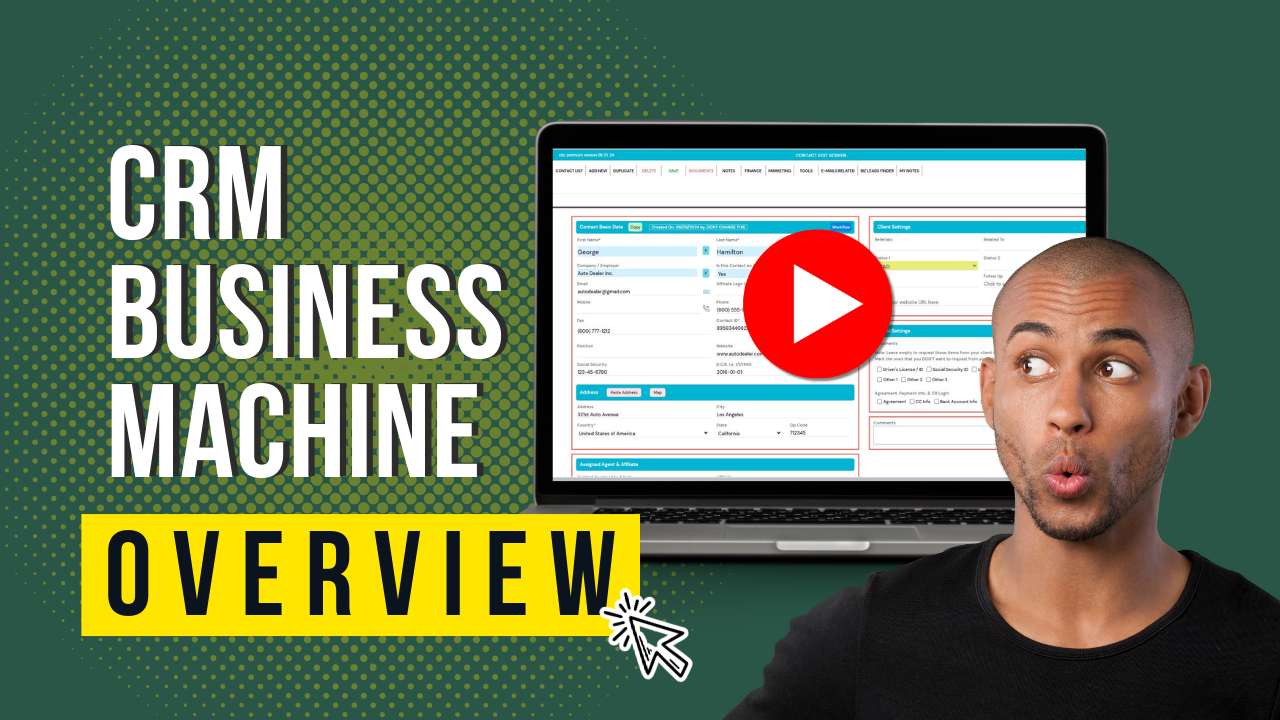
What Is A CRM Software?
If you’ve never used a CRM before you may be unsure what it has to offer. It’s short for “Customer Relationship Management” but think of it as your all-in-one business software solution!
Instead of having separate tools that you check all day every day to automate and manage your business, CRM Business Machine does it all!
Unique Virtual Assistant Call Manager
Target leads within segmented email marketing lists
Nurture leads with an automated email funnel
Track leads by action Schedule and send team emails
Schedule and send SMS
Process payments And more!
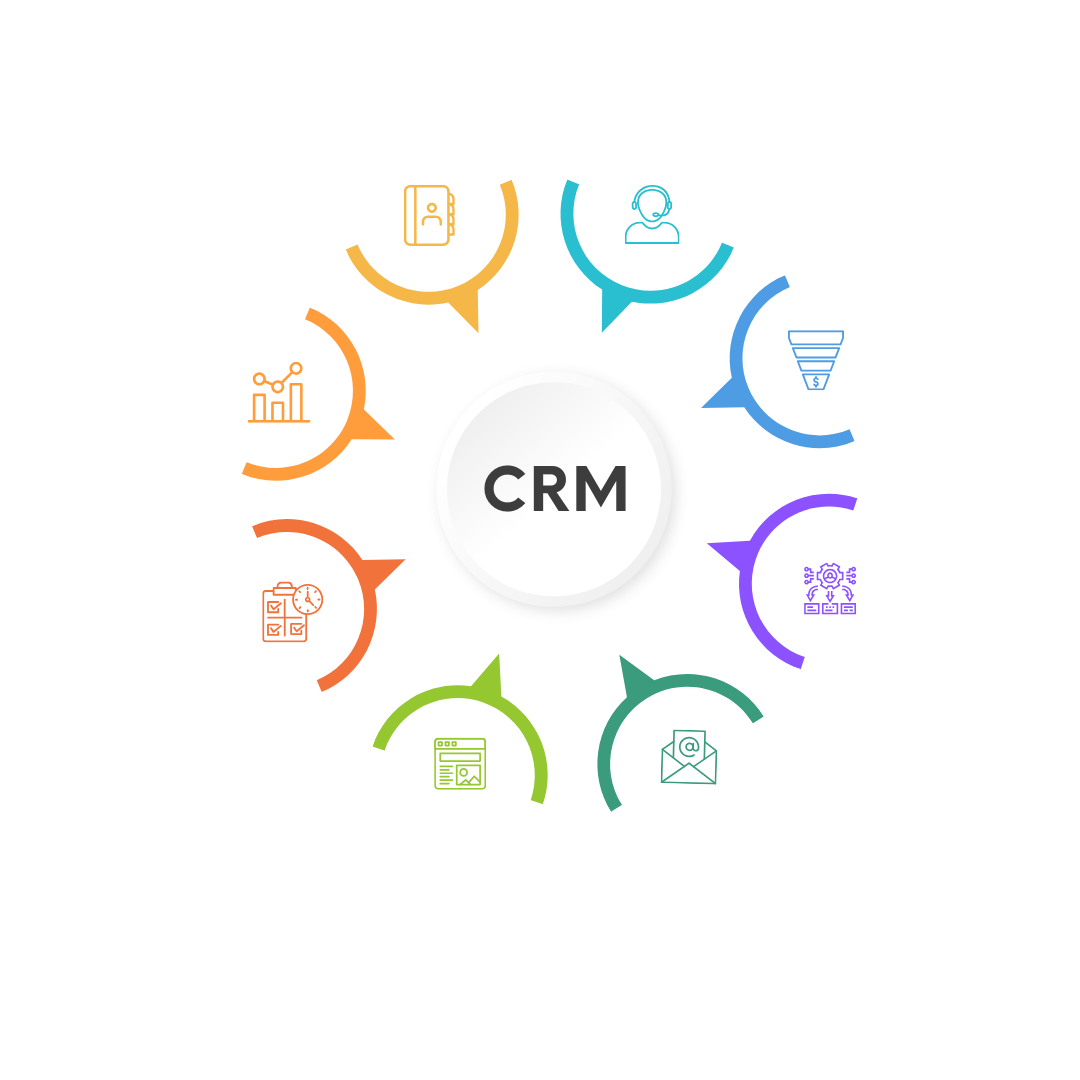
CRM Business Machine Features
What is our Virtual Assistant Call Manager?
Our Virtual Assistant Call Manager allows you to effortlessly manage your customer outreach with up to 10,000 contact records for unlimited virtual assistants (VAs), all without needing to give them access to your CRM or paying for agent seats. That means unlimited VAs at no additional cost.
Your VAs can make one-click phone calls to the USA from anywhere in the world, using tools like Skype or Softphones such as RingCentral. It’s a seamless, cost-effective way to manage your communications without sacrificing control or budget.
Here’s how our virtual assistant call manager can help scale your business effortlessly.

Why you need a CRM?
Every business needs a CRM to stay organized and efficient. With the right CRM, you can easily manage prospects and clients, send personalized emails, create and send invoices, launch automated marketing campaigns, and segment your audience—all while retrieving those groups with just a few clicks.

Why Choose Our CRM Software?
Not All CRMs Are Created Equal.
Many CRMs fall short when it comes to delivering real-world efficiency. Too often, they focus on trendy features that might look impressive but don’t offer true value to most businesses. At CRM Business Machine, we prioritize the features that matter—tools that are designed to streamline your operations, enhance productivity, and grow with your business.
How Virtual Assistants can Help Grow Your Business?
Services Virtual Assistants Can Provide Using Your Contact List:
Unlock the full potential of your business by leveraging Virtual Assistants (VAs) to perform a variety of essential tasks with your provided contact list. Here are some key services they can offer:

Lead Qualification
- Cold Calling: Proactively reach out to potential leads to spark their interest in your services or products, helping you build connections from the ground up.
- Warm Calling: Engage with contacts who have already interacted with your business or shown interest, nurturing relationships that are more likely to convert.
- Survey and Feedback Collection: Gain valuable insights by gathering feedback from potential clients, ensuring you understand their needs and improve satisfaction with your offerings.

Appointment Setting
- Scheduling Meetings: Seamlessly coordinate appointments between your contacts and your sales or support teams, ensuring that every interaction is timely and efficient.
- Rescheduling & Cancelling Appointments: Effortlessly manage any changes to existing appointments, providing flexibility and convenience for both your team and your clients.

Customer Follow-Up
- Post-Service Follow-Up: Reach out to your customers after they’ve received a service to ensure their satisfaction, address any concerns, and gather valuable feedback that can help enhance your offerings.
- Re-engagement Calls: Reconnect with past clients who haven’t engaged with your business recently, reigniting their interest and reminding them of the value you provide.

Sales and Upselling
- Promotional Calls: Keep your contacts informed about the latest promotions, exclusive discounts, and exciting new products or services, driving engagement and sales.
- Cross-Selling and Upselling: Maximize the value of every client relationship by offering additional services or upgrades tailored to their needs, boosting both customer satisfaction and revenue.

Support and Information
- Product/Service Information Calls: Engage potential clients with comprehensive, easy-to-understand details about your products or services, ensuring they have all the information they need to make informed decisions.
- Troubleshooting Calls: Provide expert assistance to resolve any issues or answer questions your clients may have, delivering fast, reliable support to enhance customer satisfaction.

Data Verification and Updating
- Contact Information Verification: Ensure accuracy by confirming and updating contact details directly in your CRM system.
- Data Entry: Efficiently input or correct information in your CRM, ensuring all data is accurate and up-to-date following customer interactions.

Billing and Payment Collection
- Payment Reminders: Proactively reach out to clients with outstanding invoices, providing timely and professional reminders to ensure prompt payment.
- Invoice Clarification: Assist clients with any questions or concerns regarding their invoices, offering clear and helpful explanations to resolve any confusion.

Event and Webinar Invitations
- Event Promotion: Proactively reach out to your contacts, inviting them to your upcoming events, webinars, or workshops—driving engagement and ensuring a strong turnout.
- RSVP Confirmation: Follow up to confirm attendance, solidifying commitments and boosting participation for your event.

Market Research
- Competitor Analysis: Gain valuable insights into competitor offerings by leveraging industry contacts and staying informed about market movements.
- Customer Needs Analysis: Identify emerging trends and customer needs through direct conversations with leads and clients, ensuring your solutions stay relevant and effective.

Referral Requests
- Requesting Referrals: Encourage your satisfied clients to refer your services to others, expanding your reach through trusted recommendations.
- Thank You Calls: Show your appreciation by personally reaching out to those who have referred your services. A simple thank-you can strengthen relationships and encourage future referrals.
These tasks can be fully customized to align with your unique business goals and the specific needs of the contacts in your CRM Business Machine.
All-In-One CRM Software
You’ve successfully grown your business by mastering a range of powerful tools. You’ve invested time and effort into learning each system, and it’s paid off. But now, it’s time to take your business to the next level—time to streamline, optimize, and grow even faster!
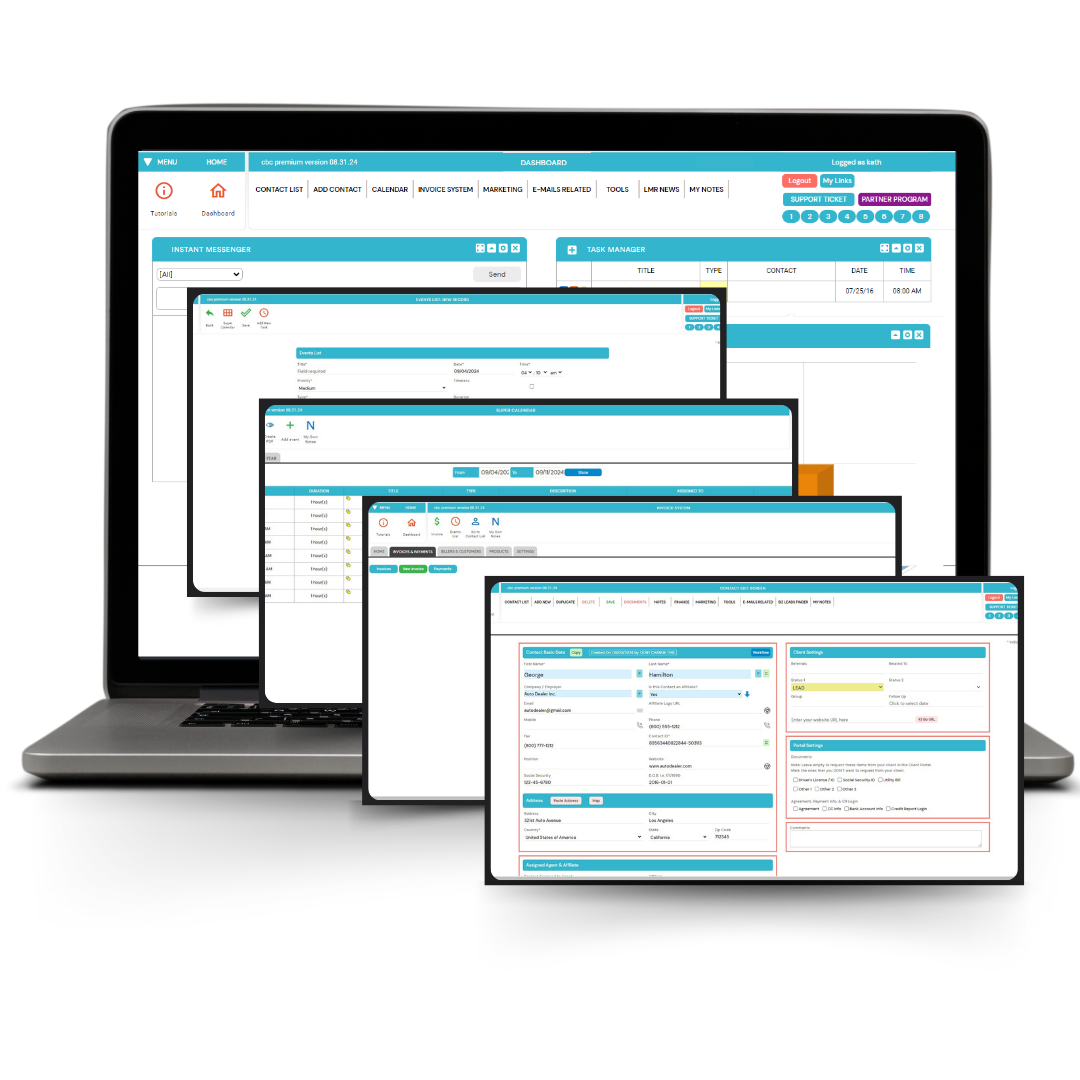

By completing your purchase, you agree that you are subscribing
to a software platform that provides CRM and automation tools.
No guaranteed results of any kind should be implied.
We Are the SERVICE COMPANY
At SERVICE COMPANY, our top priority is serving you. We pride ourselves on always being available—whether it’s answering your phone calls or responding to support tickets—ensuring your onboarding process is smooth and stress-free from start to finish.
CRM Business Machine HANDLES ALL THE TOUGH STUFF SO YOU DON’T HAVE TO.
DID YOU KNOW?
CRM Business Machine on Mobile
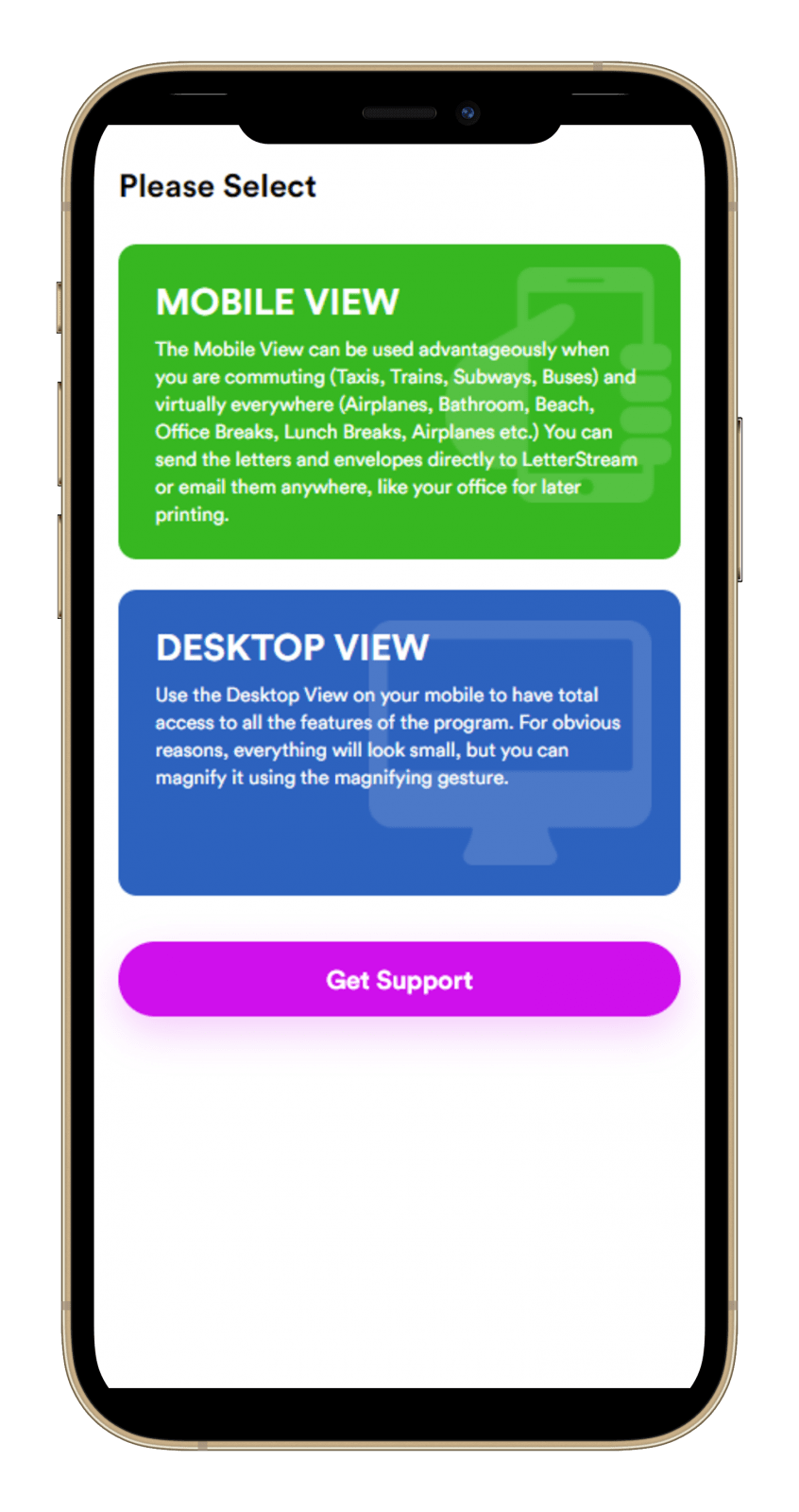
Dashboard
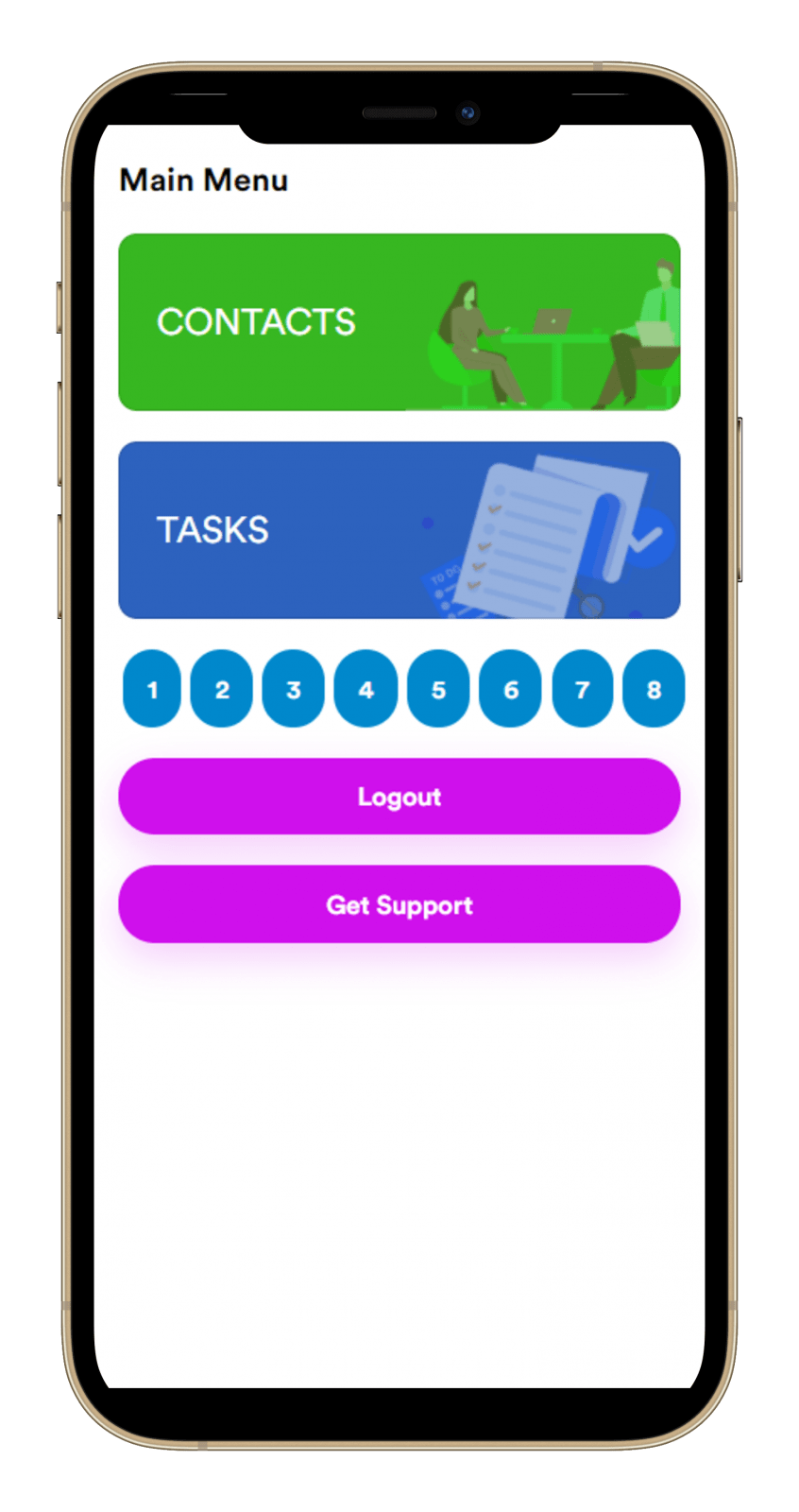
Contacts/Task
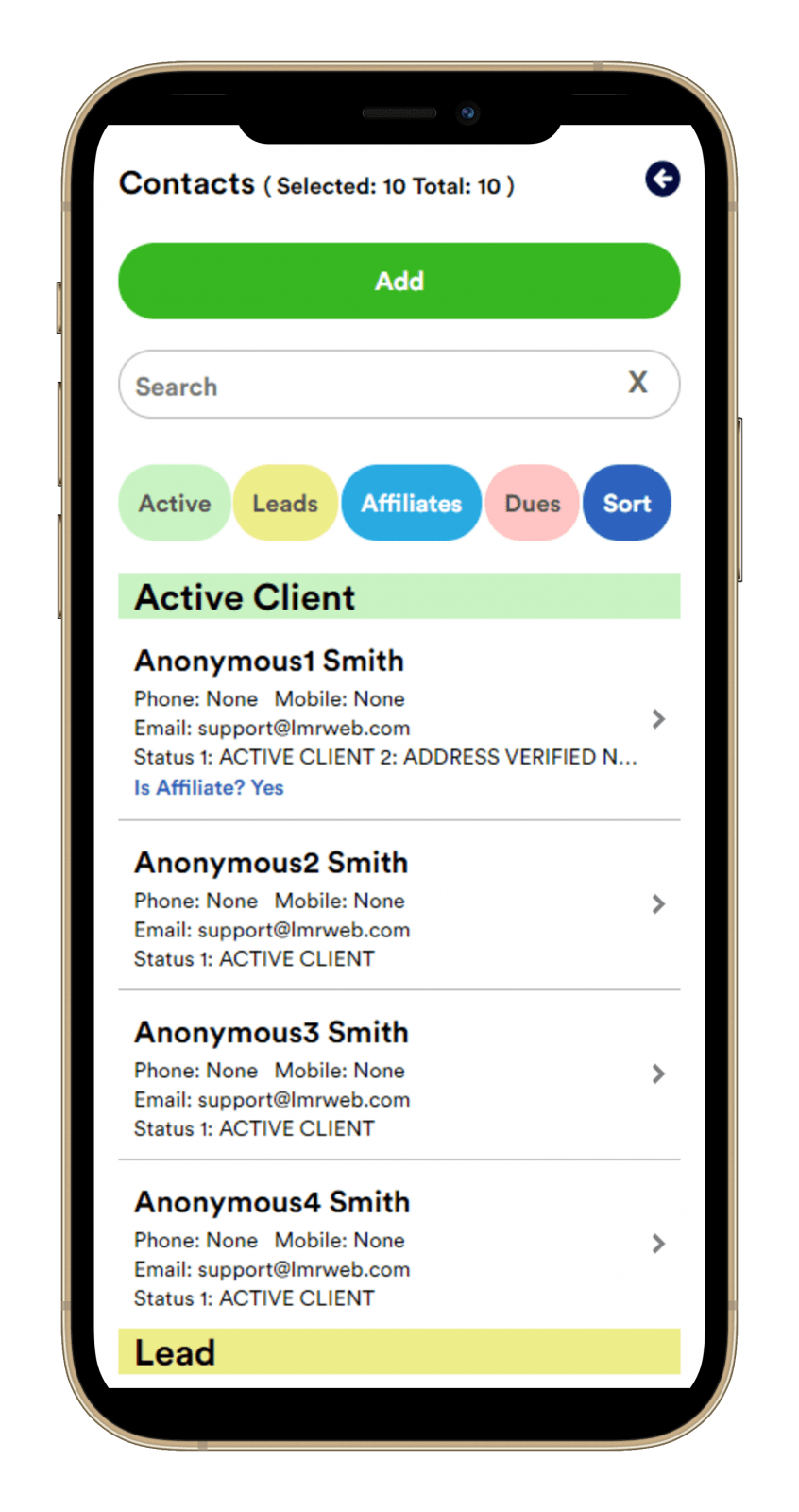
Contact Manager
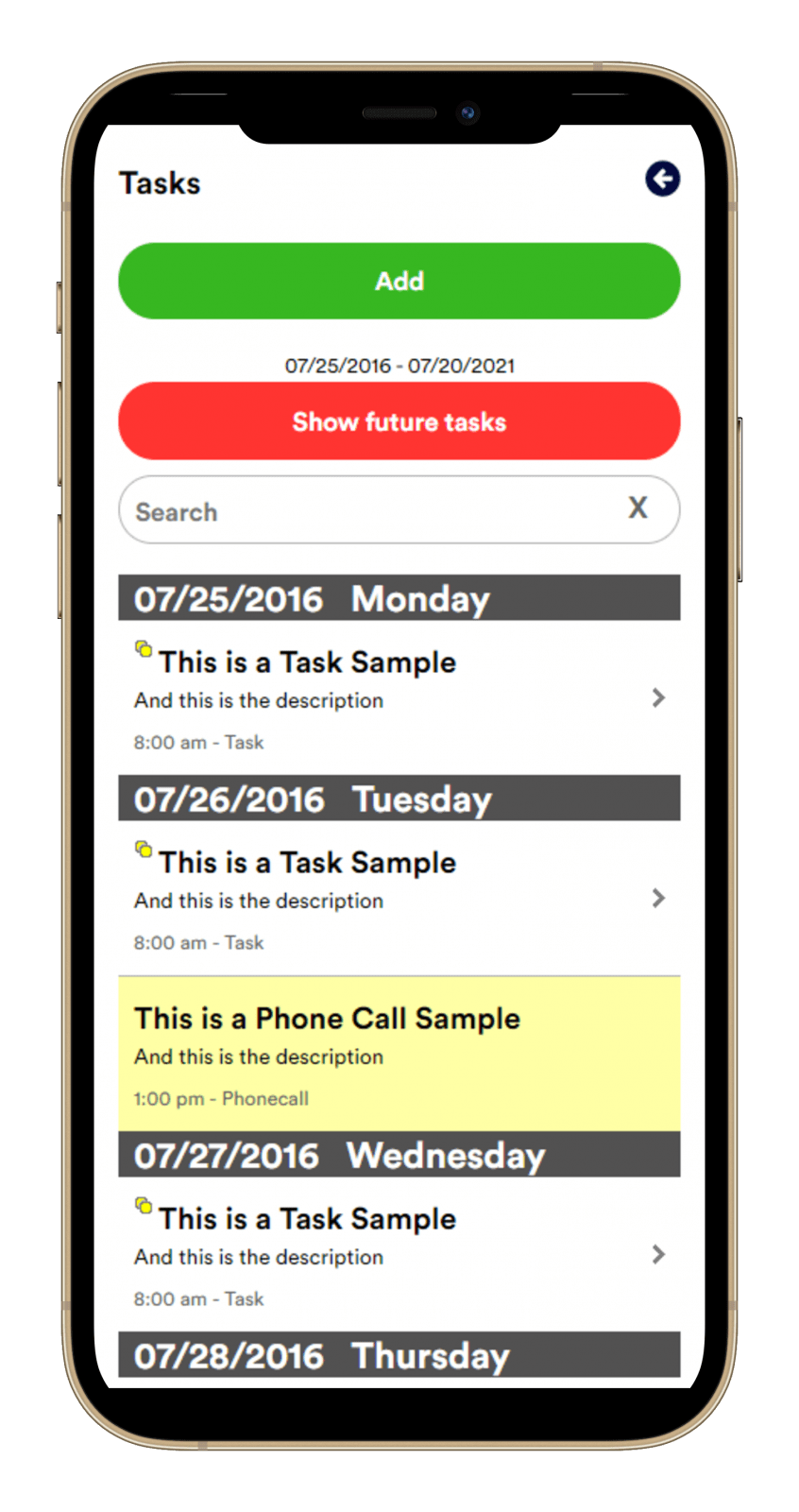
Tasks
Already Using Another CRM Software?
Many businesses experiment with different software before finding the right fit to help grow their operations.
Since our launch, countless businesses like yours have made the switch to our CRM Software—praised for its simplicity, affordability, and powerful features. Switching over is seamless, with zero downtime. In just a few moments, you can easily import your entire client list using any CSV file and start benefiting from our CRM immediately.
By completing your purchase, you agree that you are subscribing
to a software platform that provides CRM and automation tools.
No guaranteed results of any kind should be implied.

Marketing Doesn’t Have to Be Overwhelming. The good news?
You have powerful options at your fingertips.
CRM Business Machine Features

Enhance your customer relationships with our comprehensive Contact Management System.
Seamlessly organize, track, and nurture your contacts all in one place. Stay on top of your interactions with robust features including detailed contact profiles, activity tracking, personalized communication, and advanced search capabilities.

Empower Your Team with Seamless Remote Operations
Allows you to efficiently manage your contact list by sending segmented lists to unlimited Virtual Assistants (VAs). VAs can make calls, update information, read scripts, send emails, add notes, and update contact details—all with one click (softphone required), ensuring your main data remains secure.

Effortlessly engage your audience and grow your business by automating your marketing campaigns
Launch automated email marketing campaigns in minutes with our powerful, easy-to-use Integrated Marketing-Campaign System. Effortlessly engage your audience and grow your business with the click of a button.
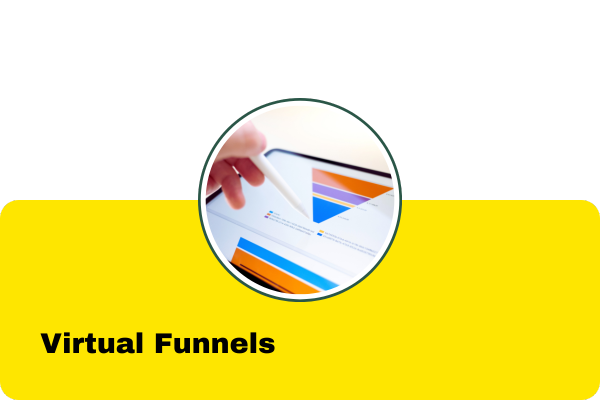
Powerful Virtual Funnels for Automated Marketing
Our Virtual Funnels seamlessly integrate with your marketing campaigns, making it easier than ever to engage your clients. Imagine this: when a client clicks on a specific link in your email, it automatically triggers a marketing campaign. This campaign can be as simple as a single follow-up email or a series of emails scheduled at strategic intervals.
But it doesn’t stop there. You can track and quantify clicks from any source—whether it’s on Facebook, Instagram, or anywhere else—giving you valuable insights into how your audience engages with your content.
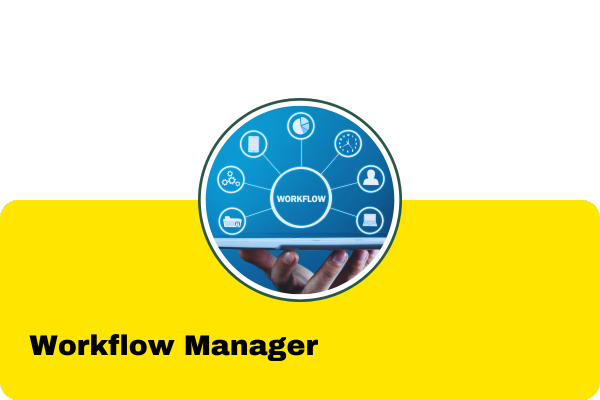
Simplify Complex Processes
The Workflow Manager is a robust automation tool designed to streamline business processes. It triggers actions like Emails, SMS, Tasks, and Webhooks based on various conditions, ensuring tailored workflows. Advanced features include concatenating workflows, clearing them, setting groups, and applying multiple conditions for enhanced customization. Automate intricate processes effortlessly to ensure timely task completion and targeted marketing.
Send and Receive Emails Directly in Your CRM
No need for external email applications—manage all your emails from within the CRM Business Machine interface. However, if you prefer, you can still use your favorite external email client while enjoying seamless integration.
Simplify Document and Email Customization with AI
The Template Manager streamlines template management, letting you easily organize and personalize documents and emails using fields from Contacts, Agents, and Company info. Quickly customize forms, contracts, letters, or emails with its user-friendly interface, ensuring efficient, consistent, and professional communications.
Effortlessly Manage Your Business with the Super Calendar and Task Manager
Take control of your schedule with our fully integrated Super Calendar and Task Manager System. Whether it’s tasks, meetings, calls, or payment reminders, you can organize and automate everything in one place. Unlike other software, our Task Manager is a comprehensive, all-in-one system designed to handle the full scope of your business operations with ease.
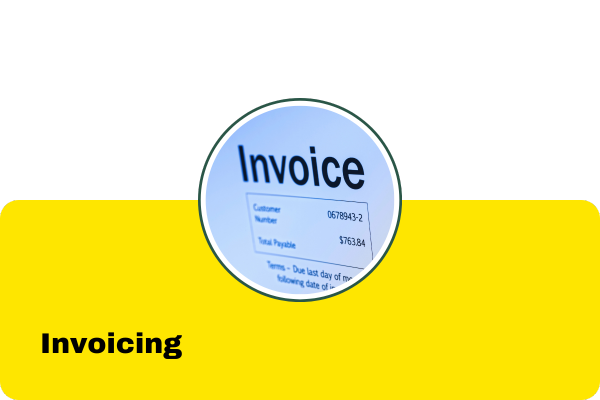
Send Secure, Professional Invoices in Just a Few Clicks
Effortlessly send polished, secure invoices to your clients with ease. Choose between itemized or service-based formats to suit your business needs. Our unique feature even allows you to automatically calculate totals for service invoices, saving you time and ensuring accuracy every time.
Effortlessly Send Personalized Text Messages
Send customized text messages to one client—or hundreds—with just one click. Our platform integrates seamlessly with Twilio, ensuring reliable delivery without any extra costs. You pay only Twilio’s standard rates—no hidden fees, no markups.
Discover Unlimited Business Leads with Our Business Lead Finder
With our powerful Business Lead Finder, you can instantly access unlimited affiliate leads from any industry—including Mortgage Brokers, Realtors, Insurance Agents, Bankruptcy Attorneys, Auto Dealers, and more—whether in your local area or across the country.
This tool provides a quick and easy way to expand your business overnight, giving you the resources you need to grow faster than ever.
Empower Your Clients and Affiliates with Personalized Portals
Give your clients and affiliates the tools they need with dedicated portals. With these portals, clients can easily sign agreements online, refer your services to others, and access any customized HTML content you want to share—all in one place.
…and so much more. Click here to see our full set of features
Controlling a Business Has Never Been So Easy… Or Inexpensive.
Limited-Time Price
$99.97 / Month for 2 Users
$49.97 / Month for 1 Users
$9.97 / Month for Each Additional User
AGENT
SPECIAL OFFER:
You’re Going to Love It!
Give us a call today for a no-pressure, live session or to get your questions answered at (954) 568-7153. We’re here to help!
For over 34 years, LMR International, Inc. has been at the forefront of software development, delivering innovative solutions that set us apart in the industry. Our commitment to excellence and our unique problem-solving approach ensure that you receive nothing but the highest quality software and unmatched customer service.
By completing your purchase, you agree that you are subscribing
to a software platform that provides CRM and automation tools.
No guaranteed results of any kind should be implied.
What Happens When You Upgrade to CRM Business Machine from Another Software?
Upgrading to CRM Business Machine is a seamless process designed to save you time and eliminate the hassle of switching systems. Here’s what you can expect:
- Effortless Data Migration: All of your important data—contacts, leads, client history, and more—can be easily imported from your current software. No downtime, no data loss.
- Instant Improvement: From the moment you switch, you’ll experience enhanced performance with powerful tools designed to help you manage, track, and grow your business effortlessly.
- Comprehensive Support: Our dedicated support team is here to guide you through every step of the transition, ensuring a smooth and stress-free upgrade.
- All-in-One Solution: Say goodbye to juggling multiple platforms. With CRM Business Machine, everything from marketing automation to payment processing is unified in one place, making your workflow more efficient than ever.
Upgrade today and discover how easy it is to take your business to the next level with CRM Business Machine!
100% Privacy. We Will Never Spam You!
Questions: Call us at (954) 568-7153
Everything is included, Up to 10,000 Clients, Affiliates, or Leads
Limited-Time Offer
$99.97 / Month for 2 users
$49.97 / Month for 2 Users
PREMIUM Version (see pricing for features)
$49.97 / Month for 1 User
$29.97 / Month for 1 User
LITE Version (see pricing for features)
$9.97 / Month for Each Additional User
AGENT
(Cancel Anytime)
By completing your purchase, you agree that you are subscribing
to a software platform that provides CRM and automation tools.
No guaranteed results of any kind should be implied.
Three Reasons Why Professionals Choose
CRM Business Machine
- All-in-One Efficiency
Professionals love CRM Business Machine because it consolidates essential tools into one seamless platform. No more juggling multiple apps—manage your leads, communications, payments, and more from a single dashboard, saving you time and boosting productivity. - Powerful Automation
From automated email funnels to pre-scheduled social media posts, CRM Business Machine allows professionals to automate repetitive tasks, so they can focus on what matters—growing their business and building stronger client relationships. - Scalable Solutions
Whether you’re a solo entrepreneur or managing a growing team, CRM Business Machine grows with your business. With up to 10,000 records clients and integrated marketing tools, professionals can scale their operations without increasing overhead.

1. Designed with Marketing in Mind
CRM Business Machine makes marketing a breeze with just a few clicks.
You can send personalized, merged emails to groups of contacts with one simple action or assign any number of contacts to a drip campaign (Marketing Campaign) in just a couple of clicks.
One of the most powerful features is the ability to program email links to trigger specific marketing actions automatically. When a client clicks on a link in your email, it can instantly assign them to a targeted Marketing Campaign.
For example, if you’re a real estate agent showcasing several properties, each property link can trigger a customized marketing flow. When a prospect clicks on a house, they’ll automatically be enrolled in a campaign tailored specifically to that property—ensuring they receive the right information at the right time.

2. The Features You Want, Need And Love
What Sets CRM Business Machine Apart?
CRM Business Machine offers a wide range of features that you won’t typically find in other CRM software programs. Our platform provides powerful tools to streamline your operations and maximize efficiency, all in one place:
- An integrated email system to easily send and receive messages
- Built-in Auto-Responders for seamless marketing campaigns
- One-click dialing to contacts for faster communication
- Social media interaction for real-time engagement
- A fully integrated invoice system to simplify billing
- Personalized SMS campaigns with the ability to send multiple messages at once
- Email templates that can be customized and sent to groups of clients or leads
- Digital check processing for easy client payments
- Integration with ChargeBee and Authorize.net for credit card transactions
- A robust Task Manager to keep your team organized
- A Business Lead Finder to help you discover new opportunities
With CRM Business Machine, you get everything you need to manage and grow your business—all in one powerful solution.

3. Inexpensive & Easy To Use
CRM Business Machine is designed to be ultra-easy to use, perfect for everyone from budding entrepreneurs to seasoned business veterans. Since it’s cloud-based, you can access it from any device, anywhere in the world.
We provide you with all the essential tools you need at an unbeatable price:
- $29.97/month for one user (BASIC version, limited-time offer)
- $49.97/month for two users (PREMIUM version)
With CRM Business Machine, you can effortlessly manage your business like a pro. Plus, with its powerful marketing features, you’ll have more time to focus on what matters most—growing your client base.
Have a Question or Suggestion?
We’d love to hear from you! Whether you have a question or an idea to share, we’re here to help. Let’s connect and ensure your experience is the best it can be!
If so, Contact Us in the form at the right, call us at (954) 568-7153 or send us an email at support(at)LMRinternational.com
Testimonials
These testimonials reflect individual experiences. Results vary.
See what some of our customers have to say about us:

We highly recommend CRM Business Machine for any company seeking to have an edge in the competitive business world.

Richard Moloff
The Only Software I use before using CRM Business Machine, I needed to use at least four applications to do the work I do now. CRM Business Machine is everything they say and more.. fast, flexible and powerful. I recommended it for any type business.

Stephanie Hoffman
No Risk, 30-Day Money Back Guarantee!
Experience our service completely risk-free. If you’re not satisfied within 30 days, we’ll give you a full refund—no questions asked!

By completing your purchase, you agree that you are subscribing
to a software platform that provides CRM and automation tools.
No guaranteed results of any kind should be implied.

No Questions Asked!

By completing your purchase, you agree that you are subscribing
to a software platform that provides CRM and automation tools.
No guaranteed results of any kind should be implied.
100% Privacy. We Will Never Spam You!
Questions: Call us at (954) 568-7153
Everything is included, Up to 10,000 Clients, Affiliates, or Leads
Limited-Time Offer
$99.97 / Month for 2 users
$49.97 / Month for 2 Users
PREMIUM Version (see pricing for features)
$49.97 / Month for 1 User
$29.97 / Month for 1 User
LITE Version (see pricing for features)
$9.97 / Month for Each Additional User
AGENT

(Cancel Anytime)
By completing your purchase, you agree that you are subscribing
to a software platform that provides CRM and automation tools.
No guaranteed results of any kind should be implied.
DISCLAIMER *
All information provided on this website is published in good faith and for general informational purposes only. While we strive for accuracy, we make no warranties or guarantees regarding the completeness, reliability, or accuracy of the information presented.
Any actions you take based on the information found on our website are at your own discretion and risk. We are not responsible for any losses or damages incurred as a result of using our website.
Our website may contain links to external websites. While we aim to include links to trustworthy and ethical sites, we have no control over their content or operations. A link from our site does not imply an endorsement of the content or the views expressed on those external websites.
Please note that once you leave our website, different privacy policies and terms of service may apply, and these are beyond our control.
The terms “cloud” and “web” used throughout our site refer to the cloud-based nature of the program. All trademarks mentioned, if any, are the property of their respective owners.